All guides
Pages, blocks and tools, in one list.
Page layouts
 Home page structureA proven order for home page sections (hero, proof, services, process, testimonials, call to action) and how to build each one with Elementor containers.
 About page layoutWhat to put on an About page (story, numbers, team, values), a section-by-section layout and how to build it with containers, image boxes and counters.
 Services pageLayout for a services overview page: a card grid of services, who each is for, a process section and a clear next step, built with Elementor containers and icon boxes.
 Service detail pageHow to lay out a single service page: problem, what's included, process, proof, pricing hint and a sticky sidebar with other services and a contact button.
 Pricing page and pricing tablesHow to build a clear pricing page in Elementor: two to four plans, a highlighted option, monthly/annual toggle, feature lists, and how to keep pricing tables readable on mobile.
 Team pageHow to build a team page with consistent photos, names, roles and short bios in an Elementor grid, plus tips on photo cropping and social links.
 Team member pageLayout for an individual team member page: photo, role, bio, areas of expertise, contact options, and how to reuse one template for every profile.
 Portfolio pageHow to build a portfolio page in Elementor: masonry or even grids, category filters, lightbox vs. case-study pages, and image sizes that keep the page fast.
 Contact pageHow to build a contact page in Elementor: what details to show, form fields to keep, spam protection, map embeds and making sure form emails actually arrive.
Blocks
 HeaderHow to build a site header in Elementor: logo size, menu length, call-to-action button, dropdowns, mobile menu and sticky headers that don't cover content.
 Hero with background imageHow to build a hero section with a background image in Elementor: overlay for readable text, height, focal point on mobile, and keeping the image fast.
 Split hero (image beside text)How to build a two-column hero in Elementor with text on one side and an image on the other, including swapping sides, stacking order on mobile and image sizing.
 Hero sliderThe pros and cons of hero sliders, how to build one with the Slides widget or a nested carousel, and settings for autoplay, accessibility and mobile.
 FeaturesHow to build a features or benefits section in Elementor with icon boxes in a grid, consistent icons, and copy that explains benefits rather than listing specs.
 Counter (numbers)How to use Elementor's Counter widget for statistics: choosing honest, meaningful numbers, prefixes and suffixes, animation duration and accessibility.
 Call to actionHow to build a call-to-action band in Elementor: one clear action, specific button text, contrast, placement on the page and the Pro Call to Action widget.
 TestimonialsHow to show testimonials in Elementor with the Testimonial and Testimonial Carousel widgets, what makes a quote credible, permission and avoiding fake reviews.
 Project (case study)How to present a single project or case study in Elementor: hero image, key facts row, challenge-approach-result text and supporting images.
 Skills (progress bars)When progress bars make sense, how to build them with Elementor's Progress Bar widget, and better alternatives for showing skills and experience.
 Support and FAQHow to build a support or FAQ section in Elementor with the Accordion widget, writing useful answers, FAQ structured data and linking to contact options.
 Tools and logo stripHow to build a "tools we use" or "trusted by" logo strip in Elementor: equal sizing, greyscale logos, permission to use logos and mobile layout.
 VideoHow to add video in Elementor with the Video widget: YouTube, Vimeo or self-hosted, image overlay and lightbox for speed, privacy-enhanced mode and captions.
 MapHow to add a location map in Elementor with the Google Maps widget, combine it with address details, and use click-to-load or static maps for speed and privacy.
 Community and newsletterHow to build a community or newsletter sign-up section in Elementor: what to offer, minimal forms, social links and consent text.
Blog and mobile
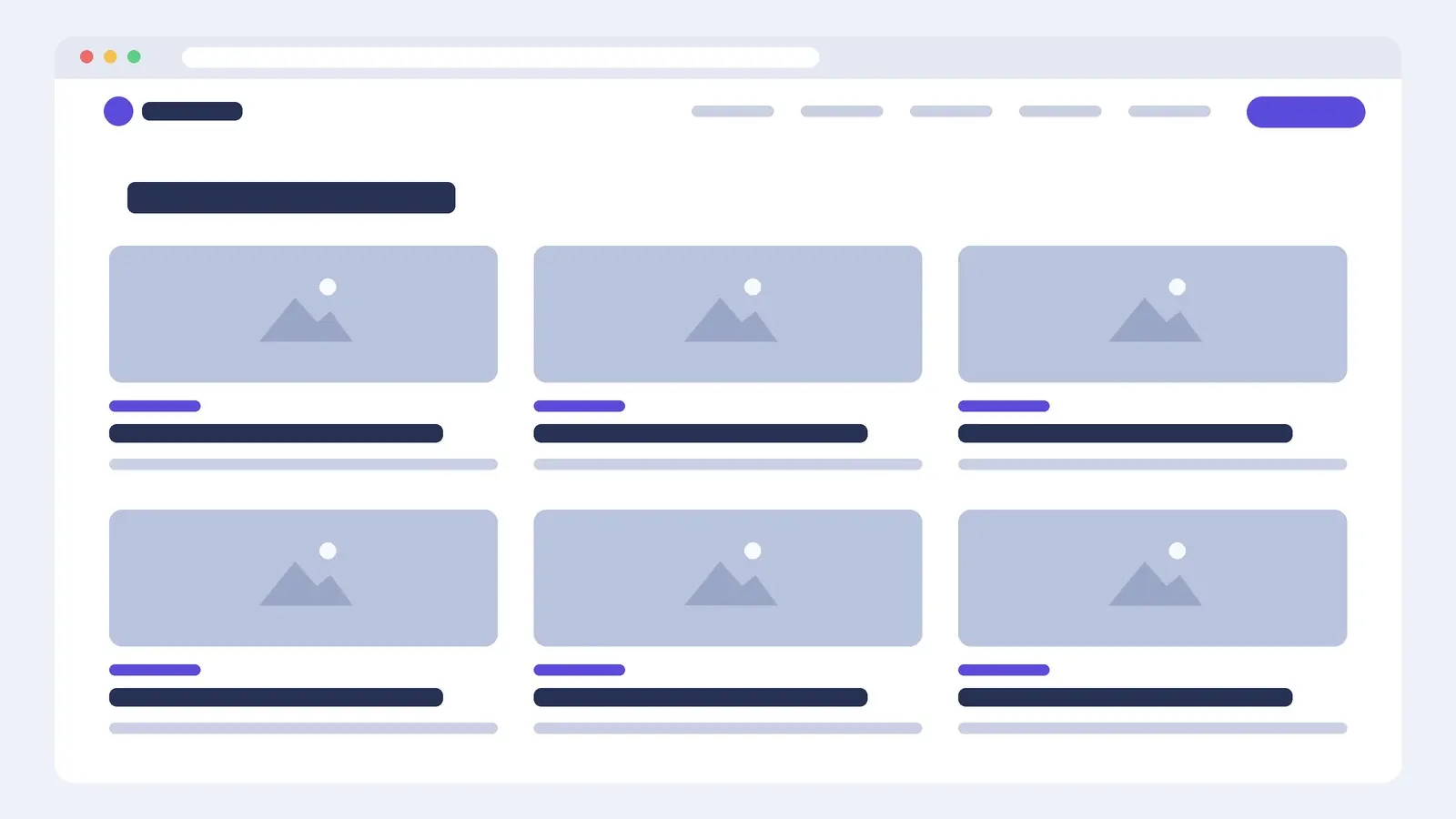 Blog grid layoutHow to build a blog archive as a card grid in Elementor: Posts and Loop Grid widgets, card design, excerpt length, featured image ratios and pagination.
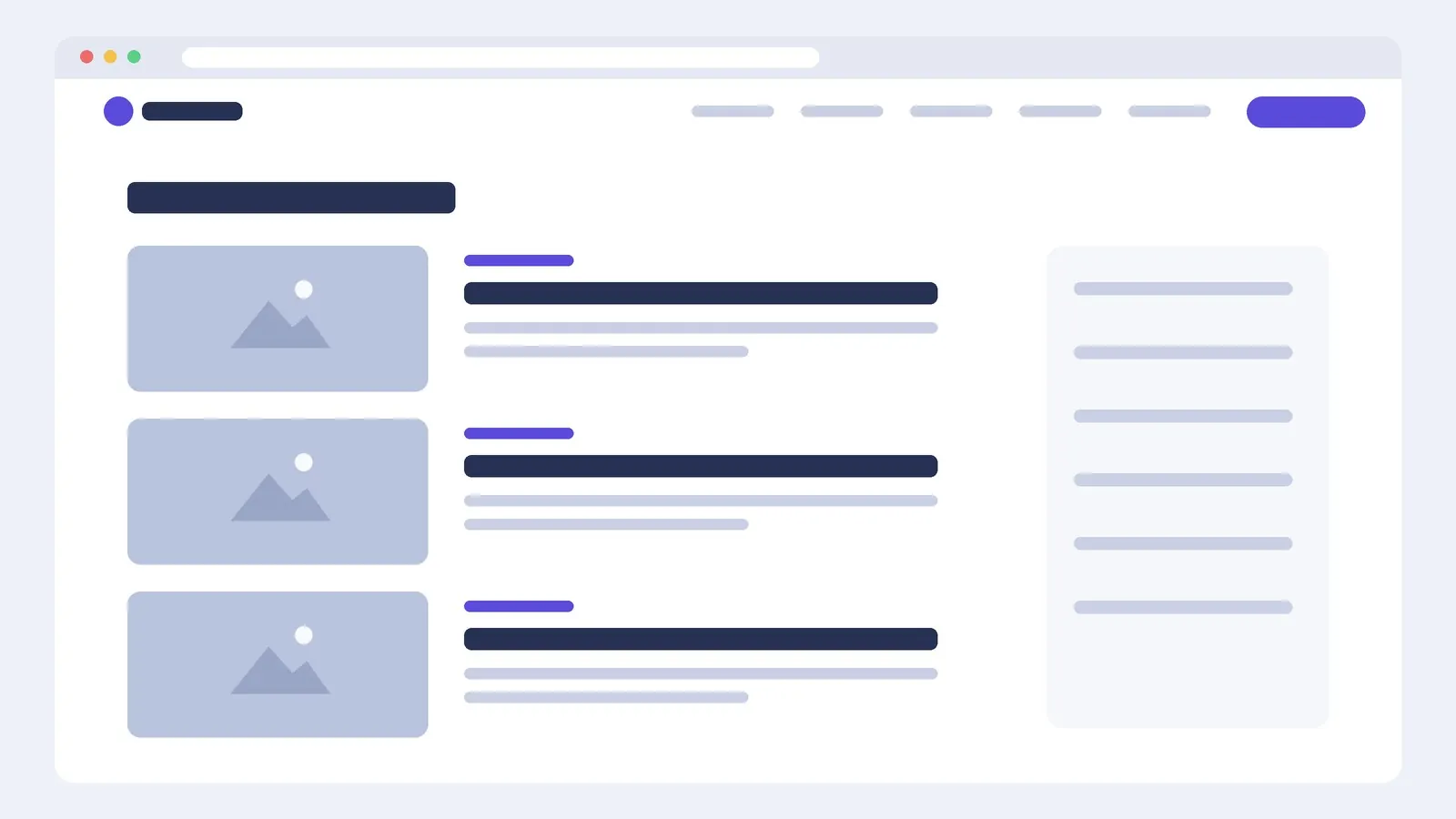 Blog list layoutHow to build a list-style blog archive in Elementor with image-left posts, readable excerpts and a sidebar, and when a list beats a grid.
 Designing for phones firstMost visitors arrive on a phone. How Elementor's responsive mode, breakpoints, container direction, ordering and font sizing work, and a checklist for Android and iPhone testing.
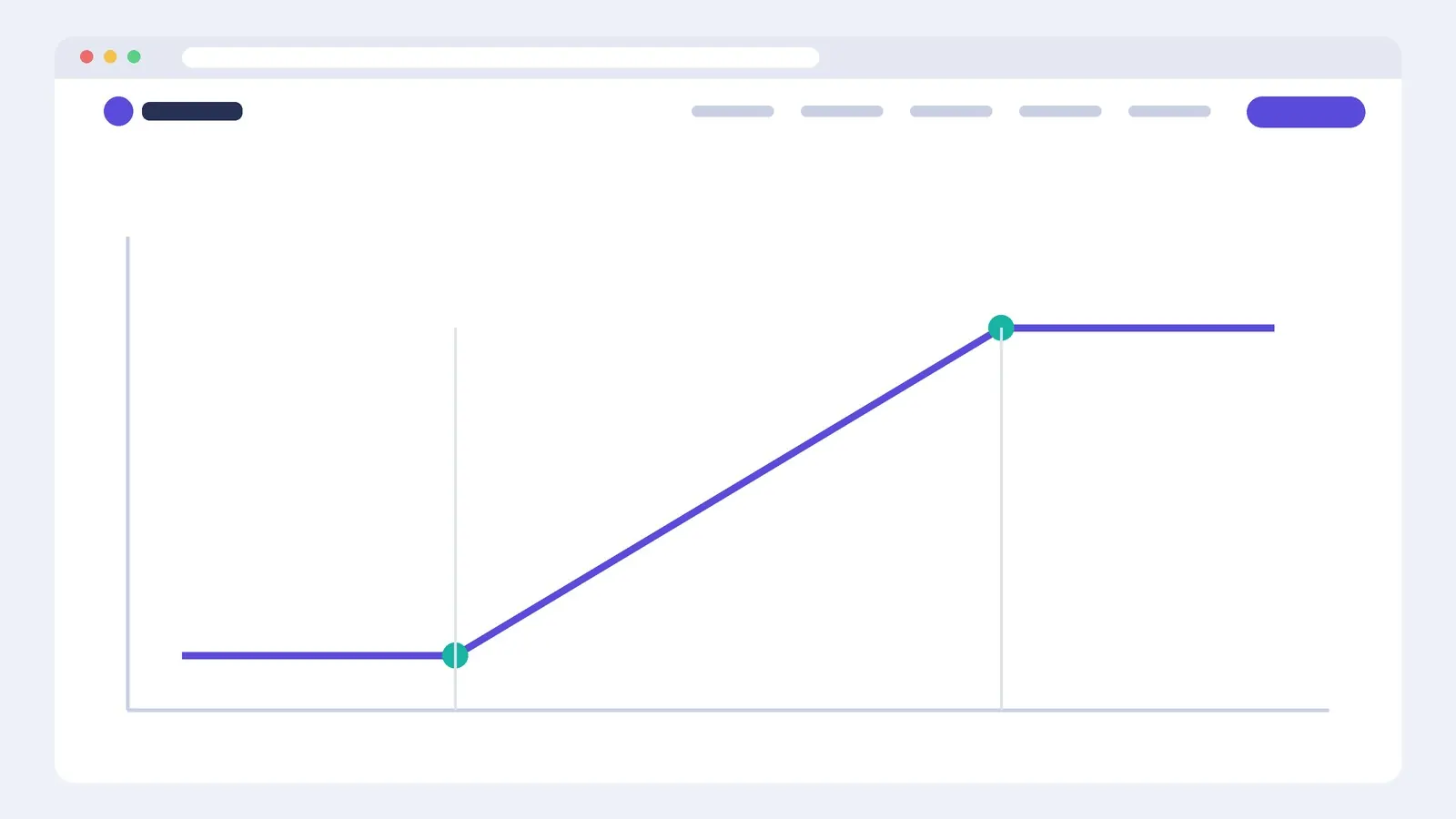 Fluid type calculator