Header
The header is on every page. Small decisions here (menu length, sticky or not) affect the whole site.
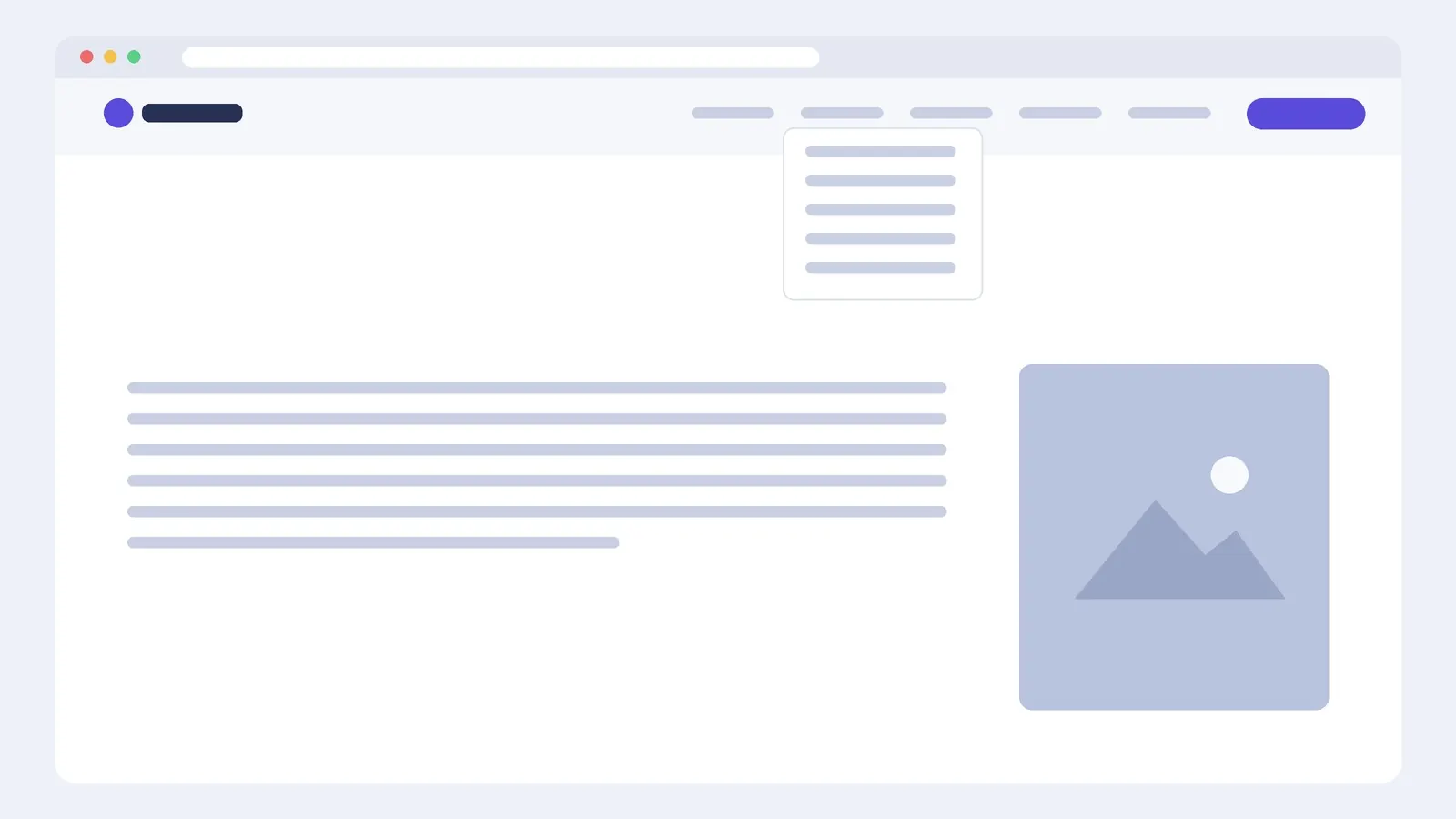
What goes in it
- Logo on the left, linked to the home page, about 32–48 px high.
- A menu of four to six items. More than seven and people stop reading.
- One highlighted button for the main action (Book, Get a quote, Contact).
Building it
Site-wide headers are made in the Theme Builder (Elementor Pro: Templates → Theme Builder → Header) and assigned to the entire site. Without Pro, the header usually comes from your theme; Hello-type themes leave it minimal so you can restyle it in the theme customiser, or use a header-footer plugin.
Use one row container with Justify Content: Space Between and Align Items: Center: logo, menu, button. The Pro Menu / Nav Menu widget handles dropdowns and switches to a hamburger at the breakpoint you choose.
Sticky headers
A sticky header (Pro: Motion Effects → Sticky: Top) keeps navigation in reach on long pages. Keep it short (60–72 px), and on mobile consider not making it sticky at all; screen height is precious. If anchor links land under a sticky header, add a scroll offset or scroll-margin-top on the target sections.
Mobile menu
Test the hamburger menu with a thumb: items need at least 44 px of height, the close button must be obvious, and the main action button should still be visible.